Can You Make a Movie Without a Camera in 2026?
Last month, I made a 60-second short film. No camera. No actors. No studio. Just words.
My $0 Short Film That Got 2,000 Views
Three weeks ago, I typed this into a free AI tool:
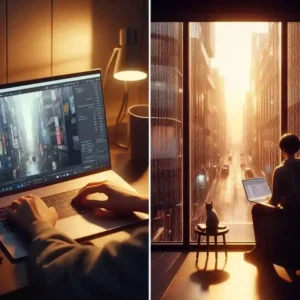
“A quiet morning in a Tokyo apartment. Rain on the window. A cat stretches on the windowsill. Soft jazz plays.”
Thirty seconds later, the AI gave me a video.
The lighting was soft. The cat moved naturally. The rain looked real. Not perfect. But close. Uncomfortably close.
I posted it on social media. People asked what camera I used. They didn’t believe “no camera.”
That video got 2,000 views.
Here’s the honest truth about AI video in 2026. No hype. No “Hollywood is dead.” Just what actually works.
Internal link: Want to edit your AI videos? Read CapCut Free vs Pro: Honest Review 2026.
What AI Video Actually Is (Simple)
You type words. AI creates moving pixels. No camera. No actors. No filming.
Think ChatGPT for video.
What works in 2026:
5-60 second clips
Nature, landscapes, abstract scenes
Slow motion, lighting, atmosphere
What fails in 2026:
10-minute movies
Same character across multiple shots
Perfect human faces (fingers still look weird)
Quick win: Try Pika Labs free tier. Type “a flower blooming.” See it happen.
My Short Film: 60 Seconds, 12 Shots, 45 Failures
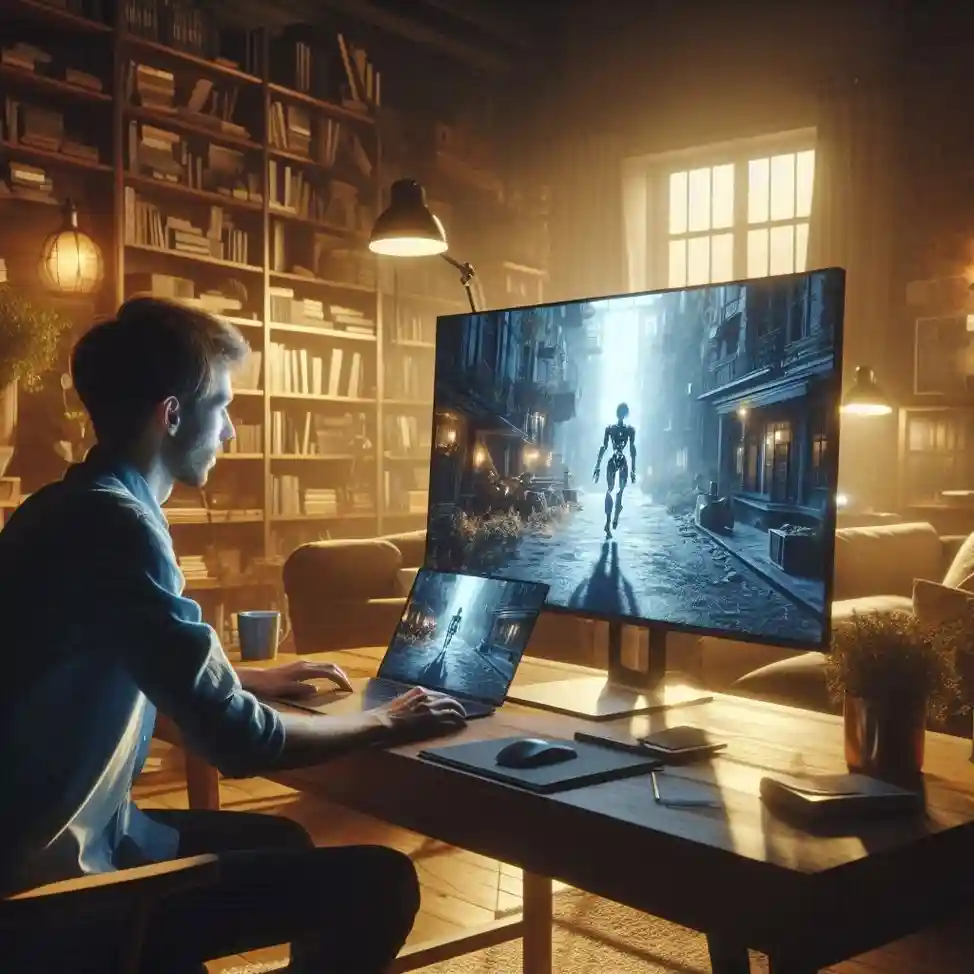
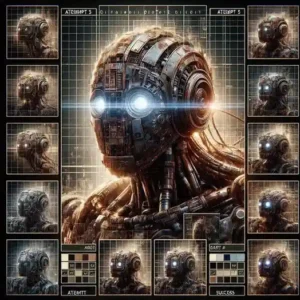
I decided to make an actual short film. A lonely robot in an abandoned city.
The process:
Broke story into 12 shots (5 seconds each). Wrote prompts for every shot.
Shot 1: “Rusty robot standing alone in abandoned city street. Overgrown plants. Soft afternoon light.”
Took 5 tries. AI kept making scrap metal piles. Finally got something usable.
Shot 2: “Close up of robot face. One eye flickers. Sad expression.”
Took 2 tries. Worked perfectly on second attempt.
Shot 3: “Robot looks at faded photograph of a family.”
Took 7 tries. AI couldn’t understand “faded photograph.” Gave up. Used animated still image instead.
What I learned:
45 generations for 12 usable shots (27% success rate)
6 hours total time
$0 spent (free tiers only)
Final video: 58 seconds, glitchy but watchable
Your action step: Pick one simple scene. Generate 10 versions. Count usable ones. That’s your real success rate.
Best AI Video Tools (I Tested 6)
Instead of a messy table, here’s my honest ranking:
Runway ML – Best overall quality. 125 free credits. Paid starts at $15/month. Complex but powerful.
Pika Labs – Best for beginners. 250 free credits. Generous free tier. Simple interface. Quality is medium.
Kling – Best for human faces. 66 free credits daily. Faces look more natural. Interface is clunky.
Luma – Best for cinematic shots. 30 free generations monthly. Dramatic lighting. Struggles with faces.
My recommendation for beginners: Start with Pika Labs. Free. Simple. Learn the basics. Then upgrade to Runway when you hit its limits.
External link: Pika Labs
Can You Make a Real Movie?
Yes you can make: Short films under 2 minutes. Music videos (experimental). B-roll for other projects. Concept trailers. Social media clips.
No you cannot make: Feature films. Consistent characters across multiple scenes. Perfect dialogue with lip-sync. Hollywood quality visuals.
Real example that worked: A YouTuber made a 2-minute AI music video. It got 500,000 views. But it took 40 hours of editing.
Another filmmaker made a 90-second short called “The Chair.” It got into a small film festival. He submitted it as “experimental” and was transparent about AI use.
My honest answer: You can make something watchable. Not Hollywood quality. Not yet. But the gap closes every month.
Internal link: See How to Start a Tech YouTube Channel.
The Hidden Costs Nobody Mentions
Everyone talks about what AI can do. Nobody talks about what it costs.
Time cost: My 60-second short took 6 hours. A professional editor with real footage would have finished in 2 hours.
Failure cost: 73% of my generations failed. And you pay for every try. Even the bad ones. Even the ones that look like melted crayons.
Editing cost: AI clips are glitchy. Weird fingers. Morphing faces. Floating eyes. You need editing skills to hide the flaws or cut around them.
My 60-second short breakdown:
6 hours of work
45 generations attempted
12 usable shots
2 hours of additional editing
Your action step: Before committing to a big project, run a small test. Generate 10 clips from the same prompt. Count how many are usable. That will set your expectations correctly.

The Legal Mess (Short Version)
Who owns AI-generated video? Nobody knows yet. Courts are still deciding. Laws are changing.
My practical advice: For personal projects, don’t worry. For commercial work, check each tool’s terms of service. Keep records of everything. Some tools claim ownership. Some give you full rights. Read before you click “accept.”
Be transparent. Disclose that you used AI. Don’t try to hide it. Some film festivals have revoked awards after discovering AI use. Honesty is the best policy here.
External link: US Copyright Office AI Guidance
How Pros Actually Use AI (Real Examples)
AI video isn’t just for hobbyists. Professionals are using it too.
Ad agency: Needed B-roll footage for a commercial. No budget for a location shoot. Generated the shots with AI instead. Saved $10,000. Client never knew the difference.
YouTuber: Needed background visuals for a voiceover video. Instead of boring stock footage, generated custom clips. Got a unique look. Viewer retention went up.
Musician: No budget for a music video. Generated trippy abstract clips with AI. The video got 200,000 views. Sold more merch than ever.
The pattern: Professionals use AI for B-roll, backgrounds, experiments, and placeholders. The main footage is still real. AI augments. It doesn’t replace.
Internal link: Learn skills AI can’t replace in Best Freelance Platforms for Beginners.
Should You Start Making AI Videos?
Start if:
You’re curious and want to experiment with new tech
You need B-roll or background visuals for other projects
You have zero budget for real footage
You’re making abstract or experimental content
Don’t start if:
You expect Hollywood quality results immediately
You have zero patience for trial and error
You need perfect human faces with no glitches
You’re making something with complex dialogue
My advice: Try it. It’s free. Worst case, you waste an hour. Best case, you discover a new creative tool that changes how you work.
Your action step today: Open Pika Labs. Type “a flower blooming in slow motion.” Generate it. Watch it happen. That feeling is why I love this technology.
My Final Words
I made a 60-second short film without a camera.
It was hard. Six hours. Forty-five generations. Twelve usable shots. Endless frustration.
But when I watched the final video, I smiled.
Not because it was perfect. Because I made something. With words. On my laptop. At my kitchen table.
That feeling is incredible.
No, you cannot make a feature film without a camera. Not yet.
But you can make something. And something is where everything starts.
You don’t need a Red camera. You don’t need a film degree. You don’t need a crew.
You need an idea. And the patience to type it over and over until the AI understands.
Try it today. One clip. Ten seconds.
Your first movie is waiting.
FAQ
Can I sell AI-generated videos?
Check each tool’s terms of service. Most allow commercial use. But laws are changing. Stay updated.
What’s the best free AI video tool?
Pika Labs. 250 free credits. Easy to use. Perfect for beginners.
How long does generation take?
30 seconds to 2 minutes per attempt. Multiple attempts will be needed.
Will AI replace filmmakers?
No. AI will replace some tasks. It will change the job. It will not replace human creativity.
More from Mag Tech Hub
How to Start a Tech YouTube Channel in 2026 – magtechhub.com/how-to-start-tech-youtube-channel-2026/
Honest Facebook Earnings: What Actually Works – magtechhub.com/honest-facebook-earnings-what-actually-works/
10 TikTok Ideas That Actually Got Views – magtechhub.com/10-tiktok-ideas-that-actually-got-views/
What Your Life Will Look Like in 2036 – magtechhub.com/future-of-technology-next-10-years/
What is Freelancing? Top High-Paying Skills in 2026 – magtechhub.com/what-is-freelancing-top-high-paying-skills-in-2026/