
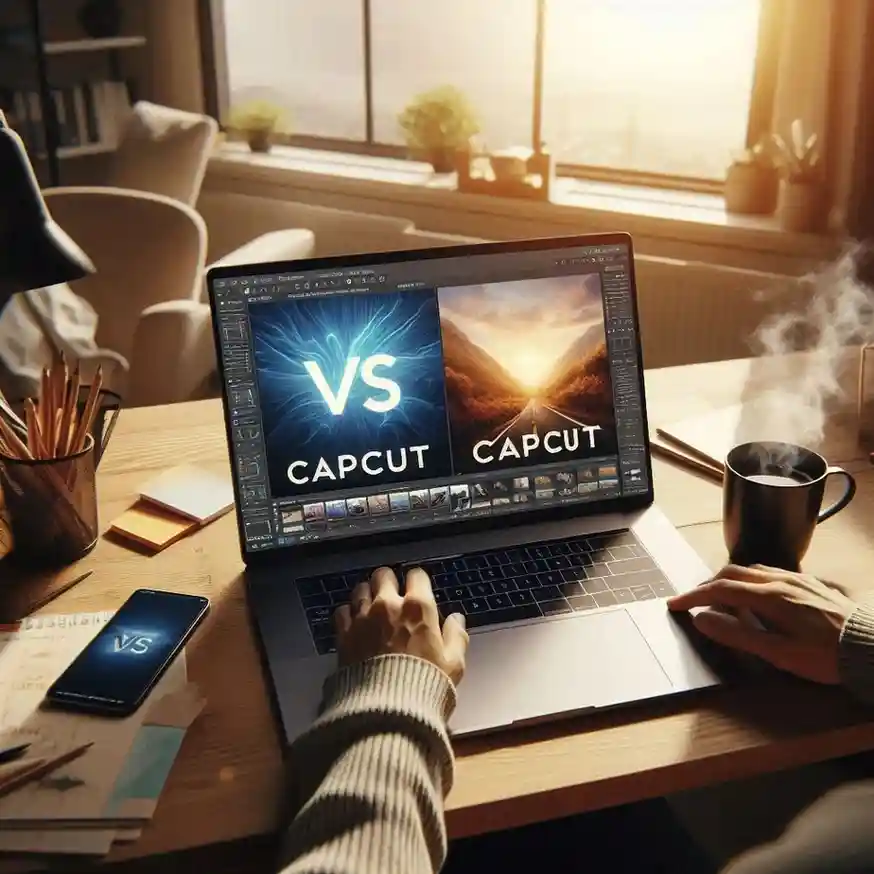
CapCut Free vs Pro: Honest Review 2026
I’ve edited over 50 videos for my YouTube channel. The first 30 were on CapCut Free. Last 20 on CapCut Pro. Here’s the truth — most of you don’t need Pro.
Let me tell you something.
When I started my YouTube channel, everyone told me I needed professional editing software. “Buy Premiere Pro.” “Get Final Cut.” “You can’t grow without good editing.”
I didn’t have money for expensive software. So I used CapCut Free.
And you know what? My videos were fine. Viewers didn’t complain. My channel grew.
Then I switched to CapCut Pro. Paid for it. Used it for 20 videos.
Now I want to share the honest CapCut Free vs Pro comparison in 2026. Not marketing fluff. Just what actually matters.
Here’s the real question: Is CapCut Pro worth it? Let me help you decide.
Internal link: Want to start a YouTube channel? Read my guide on How to Start a Tech YouTube Channel in 2026.
1. What is CapCut? (Quick Overview)
CapCut is a video editing app made by ByteDance — the same company that owns TikTok.
It’s free. It’s powerful. And it’s available on Android, iPhone, and a computer.
Most social media creators use CapCut because it’s easy to learn and has great features.
What I love about CapCut: Even the free version is better than many paid apps. The CapCut Pro features add more, but free is already strong.
2. My Journey with CapCut Free
I made my first 30 YouTube videos using only CapCut Free.
No paid software. No Pro subscription. Just the free app.
What I could do with Free:
Trim and cut clips
Add text and captions
Apply filters and effects
Slow motion and speed up
Add background music
Basic transitions
My videos looked good enough. Not Hollywood quality. But good enough for YouTube.
What frustrated me: The watermark on some templates. Limited effects. No 4K export.
But honestly? For a beginner, Free was more than enough.

Quick win: Download CapCut Free today. Edit one short video. See if it meets your needs before even thinking about Is CapCut Pro worth it.
External link: CapCut Download
3. Why I Switched to CapCut Pro
After 30 videos, I started taking my channel more seriously. I wanted better quality. More effects. No watermark.
So I paid for CapCut Pro.
What Pro gave me that Free didn’t:
No watermark on any export
4K video export
AI effects and filters
More templates and transitions
VIP stickers and text styles
Did it improve my videos? Yes. But only slightly. Viewers didn’t notice the difference. Only I did.
Was it worth it? For me, yes. Because I make money from my channel. The subscription pays for itself.
For a beginner? No. Stick with Free.
Try this: Before paying for Pro, ask yourself: “Will better editing actually increase my income?” If no, stay with Free.
4. CapCut Free vs Pro: Quick Comparison
Let me make this easy to scan.
CapCut Free → Best for beginners and hobbyists. No cost. 1080p export. Basic effects. Small watermark on some templates. More than enough for 90% of users.
CapCut Pro → Best for earning creators and professionals. Paid subscription. 4K export. Advanced AI effects. No watermark. Worth it if you make money from editing.
VN Video Editor → Best free no-watermark alternative. Completely free. 4K export. Professional features. No watermark at all.
InShot → Best for social media quick edits. Free with ads. Simple interface. Great for TikTok and Reels.
KineMaster → Best for learning professional editing. Free with watermark. Multi-layer editing. Green screen support.
Quick win: If you want Pro features but can’t pay, download VN Video Editor first. It’s completely free with no watermark.
5. Do You REALLY Need CapCut Pro?
Let me be honest with you.
You do NOT need Pro if:
You’re making videos for fun
You’re a beginner on YouTube or TikTok
You don’t make money from your videos
You’re just learning video editing
You SHOULD consider Pro if:
You’re editing videos for clients (professional work)
You need a 4K export
You absolutely cannot have a watermark
You use advanced effects daily
Here’s the money angle: If you plan to freelance or edit for clients, Pro can pay for itself within your first project. One client project can cover your subscription for months.
My personal advice: Start with Free. Make 10 videos. If you feel limited, try the Pro trial. Then decide.
Quick win: CapCut Pro offers a 3-7 day free trial. Use it. Test all the CapCut Pro features. See if you actually need them.
6. How to Get CapCut Pro (Legal Ways Only)
I will not recommend cracked or modded APKs. They can steal your data. They can hack your Google account. They’re illegal.
Here are the legal ways:
Method 1: Free Trial
Download CapCut from the Google Play Store. Open the app. Tap the “Pro” option. Choose “Free Trial.” Cancel before it ends if you don’t want to pay.
Method 2: Monthly Subscription
Pay month by month. Costs around $8-10 per month. Cancel anytime.
Method 3: Yearly Subscription
Pay for a full year. Cheaper per month. Around $70-80 per year.
Method 4: Student Discount
If you’re a student, check if CapCut offers educational discounts. Some regions have them.
External link: Google Play Store – CapCut
7. Free Alternatives to CapCut (No Watermark)
If you want CapCut Pro features but can’t pay, try these free alternatives.
VN Video Editor
Completely free. No watermark. Professional features. Supports 4K export. Multi-track editing.
Best for: YouTube creators, serious editors. Many professionals use VN instead of paying for Pro.
InShot
Very popular for social media videos. Simple interface. Good effects. The free version has ads but no watermark on exports.
Best for: TikTok and Instagram Reels.
YouCut
Simple editor. No watermark. Fast exports. Basic features only.
Best for: Beginners making simple videos.
KineMaster (Free Version)
Professional features. Multi-layer editing. Green screen support. The free version has a watermark.
Best for: Learning professional editing.

Try this: Download VN Video Editor. It’s completely free and very powerful. Many creators use it instead of paying for Pro.
8. Common Mistakes to Avoid
I see so many beginners making these mistakes.
Mistake 1: Paying for Pro too early
You don’t need Pro when you’re starting. Learn first. Then decide if CapCut Pro is worth it for your situation.
Mistake 2: Downloading cracked APKs
Those files have viruses. Hackers steal your data. Your Google account can be compromised. Not worth the risk.
Mistake 3: Forgetting to cancel the free trial
If you start the free trial, set a reminder to cancel before it ends. Otherwise, you’ll be charged.
Mistake 4: Thinking better editing = more views
Content matters more than editing. A great video edited on Free will get more views than a boring video edited on Pro.
Internal link: Learn what actually grows a channel in 10 Tech Trends That Pay in 2026.
9. My Honest Recommendation + Real Result
Let me share a real result with you.
My first paid video using CapCut Pro earned me $80. That covered my monthly subscription cost instantly. After that, everything was profit.
Here’s my honest advice based on your situation:
| If you are… | You should use… |
|---|---|
| Complete beginner | CapCut Free |
| Hobbyist making videos for fun | CapCut Free |
| YouTube beginner | CapCut Free or VN Video Editor |
| Serious YouTuber with income | CapCut Pro |
| Freelance video editor | CapCut Pro |
| Editing for clients | CapCut Pro |

For beginners and hobbyists: Use CapCut Free. It’s more than enough. Don’t waste money.
For serious YouTubers: Try CapCut Pro’s free trial. If you love it, pay for it. If not, stick with Free or switch to VN Video Editor.
For professional editors: Get CapCut Pro. The 4K export and no watermark are worth it for client work. One project pays for months of subscription.
My personal setup: I use CapCut Free for quick edits. I use CapCut Pro for client projects. I use VN Video Editor as a backup.
Three tools. Different purposes. No overpaying.
10. Final Verdict: Is CapCut Pro Worth It?
Let me answer simply.
For 90% of users: No. CapCut Free is enough.
For 10% of users: Yes. Professionals and serious creators.
Don’t let marketing fool you. Most people don’t need Pro. They want it. But want and need are different.
If you’re earning money from video editing, Pro is worth it. One client project pays for months of subscription.
If you’re not earning yet, stick with Free or VN Video Editor. Master your skills first. Then upgrade.
Your action step today: Download CapCut Free. Edit one video. See what it can do. You’ll probably be surprised.
Remember: The tool doesn’t make the creator. The creator makes the tool.
FAQ – Real Questions People Ask
Is CapCut really free?
Yes. The basic version is completely free. No cost. No time limit.
Does CapCut Free have a watermark?
Only on some premium templates and effects. Basic edits have no watermark.
Can I get CapCut Pro for free legally?
Only the free trial. No permanent free version exists legally.
Which is better: CapCut or VN Video Editor?
Both are great. CapCut has more effects. VN Video Editor has no watermark and is completely free.
Do I need Pro for YouTube?
No. Most YouTubers use Free and do just fine.
What’s the cheapest way to get Pro?
Yearly subscription. Or use the free trial for short projects.
Can I earn money with CapCut Pro?
Yes. Freelance video editors use it. One client project can pay for your subscription for months.

Final Thoughts
I made 30 videos with CapCut Free. My channel grew. Viewers enjoyed my content.
Then I switched to Pro. My videos got slightly better. But honestly? The viewers didn’t notice.
The secret is not the tool. It’s how you use it.
Don’t fall into the trap of thinking paid software will make you better. Learn the basics first. Master the free version. Then upgrade if you actually need to.
Your viewers care about your content, not your editing software.
Start with Free. Make 10 videos. Then decide if CapCut Pro is worth it for YOU.
External links: CapCut Download | VN Video Editor | InShot
More from Mag Tech Hub
How I Made $100 with AI – magtechhub.com/how-i-made-100-with-ai
I Lost $500 to a Freelance Scam – magtechhub.com/lost-500-freelance-scam
10 Tech Trends That Pay in 2026 – magtechhub.com/10-tech-trends-pay-2026