
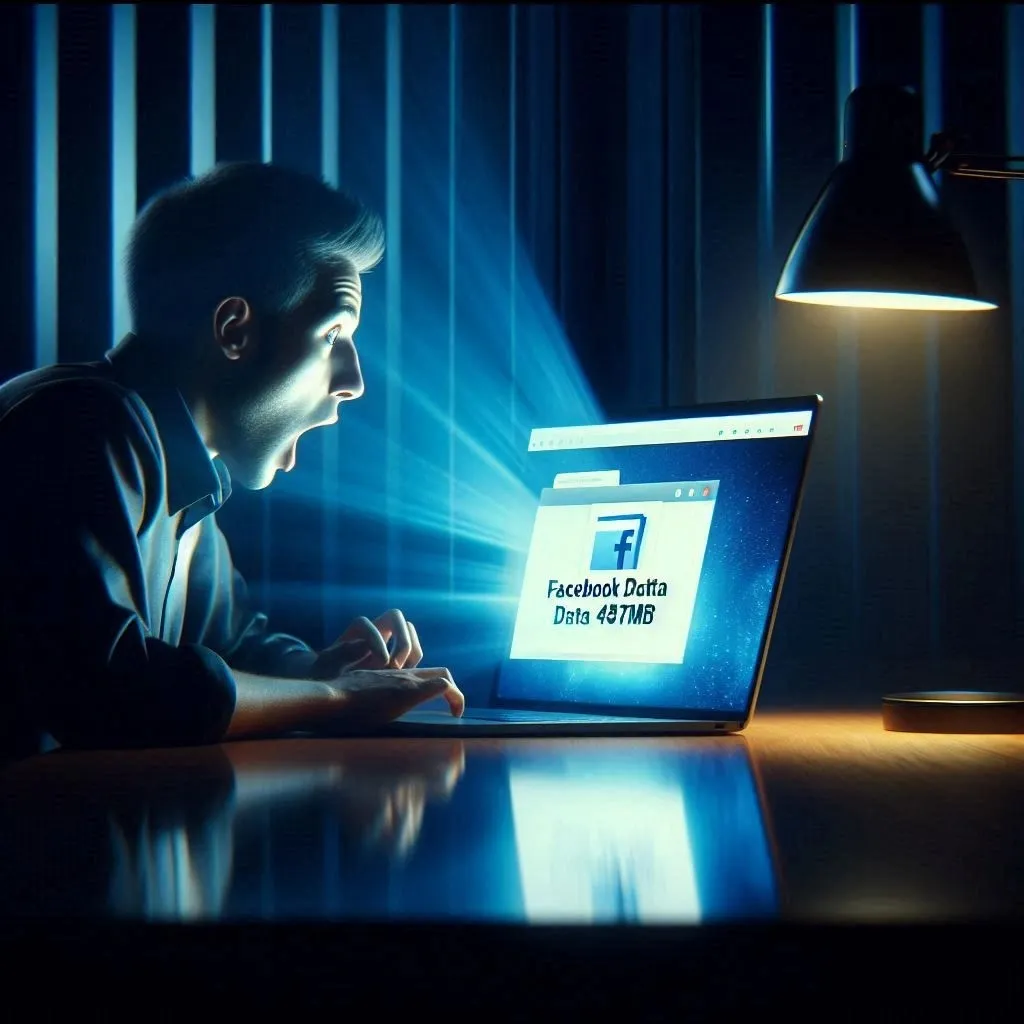
I Downloaded My Facebook Data
I Downloaded My Facebook Data. I Wasn’t Ready for What I Found.
Every click, every like, every search. They’re keeping track. Here’s what I learned about my own data — and what you need to know.
Let me tell you something that kept me up at night.
Last year, I clicked a button. “Download Your Information.” Facebook has it in settings. I’d seen it before but never clicked it.
This time I did.
Facebook said it would take a few hours to prepare my data. I forgot about it. Went to sleep.
The next morning, I checked my email. “Your download is ready.”
I clicked the link. Downloaded a zip file. 487 megabytes. For one person. Me.
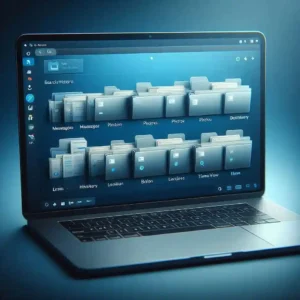
I extracted the folder. Started clicking through files.
My heart sank.
There were files from 2012. Messages I’d completely forgotten about. Photos I thought I’d deleted. Every friend request I’d ever sent or received. Every place I’d ever checked in. Every ad I’d ever clicked. Every search I’d ever typed.
Every. Single. Thing.
I sat there staring at my screen for an hour. Not because I had something to hide. Because I had no idea they kept ALL of this.
That night, I couldn’t sleep. I kept thinking: if Facebook has this much, what about Google? What about Amazon? What about every other app on my phone?
So I started digging. Requested my data from Google. From Amazon. From Twitter. From LinkedIn.
What I found changed how I use the internet forever.
Here’s what actually happens to your data. No fluff. No tech jargon. Just the truth.
1. You Create Data Every Second (Without Realizing It)
Every time you do something online, you leave a trail.
Search for “cheap flights to Dubai” at 2 AM? That’s data.
Scroll past an ad without clicking? That’s data.
Spend 45 seconds reading a news article? That’s data.
Type a message and delete it before sending? Believe it or not, that’s also data.
I didn’t realize this until I saw my own Facebook download. There were entries for things I never posted. Drafts I never sent. Searches I’d forgotten about within minutes of typing them.
Here’s the thing most people don’t understand: you don’t have to press “post” or “send” to create data. Just typing. Just scrolling. Just looking. It all gets recorded.
What you can do: Go to your Facebook settings right now. Find “Download Your Information.” Click it. See for yourself. It might take a few hours to prepare. But trust me, it’s worth seeing.
2. Your Data Travels the World in Milliseconds
When you click a link, your data doesn’t just “go to the internet.” It travels.
From your phone to your Wi-Fi router. From your router to your internet provider. From your provider through underground cables. Sometimes through cables at the bottom of the ocean, to a data center in who-knows-where.
I looked up where Facebook has data centers. Ireland. Singapore. Texas. Oregon. Sweden.
Every time I scroll through my feed, my data is potentially traveling to multiple countries. In less than a second.
It sounds like science fiction. But it’s just infrastructure. Massive buildings filled with computers running 24/7, powered by enough electricity to run a small town.
And your data lives in those buildings.
What you can do: You can’t stop your data from traveling. That’s how the internet works. But you can use a VPN if you want to hide your location from websites.
3. Your Data Gets Stored Forever (Almost)
Here’s what shocked me most from my Facebook download.
Messages from 2012. People I haven’t spoken to in over a decade. Conversations I’d completely erased from my memory. But Facebook hadn’t.
I found a message I sent to a friend in college. We were planning a road trip. I don’t even remember that trip happening. But Facebook does.
Companies store your data for years. Sometimes forever.
Why? Legal reasons. Security reasons. Backup systems. Or simply because storage is cheap and deleting is effort.
Even when you click “delete,” your data might not be gone. It might still live on backup servers. It might be anonymized and kept for analysis. It might be stored for legal compliance.
Facebook’s own policy says they keep some data even after you delete your account. Things like messages you sent to other people (because those are now their data too).
What you can do: Read privacy policies. Not the whole thing (nobody has time for that). But search for “retention” or “how long we keep your data.” That tells you everything.
4. Your Data Gets Analyzed by Algorithms (Not People)
This is something I used to worry about. I thought someone was sitting in an office reading my messages.
That’s not how it works.
It’s algorithms. Computer programs. They don’t care who you are. They just look for patterns.
If you search for “baby toys,” “crib sheets,” and “pediatrician near me,” an algorithm notices. It doesn’t judge. It just connects dots.
Then it shows you ads for diapers. Not because anyone decided to target you. Because the algorithm predicted you might need them.
I saw this in my own data. I searched for “coffee maker” once. For days, every app showed me coffee maker ads. Not because someone was watching. Because an algorithm saw one search and assumed I was shopping.
What you can do: Turn off ad personalization. On Google: Settings → Google → Ads → Opt out. On Facebook: Settings → Ad preferences → Turn off. You’ll still see ads. Just less creepy ones.
5. Your Data Gets Shared (More Than You Think)
This is the part that surprised me the most.
When I downloaded my data, I saw a section called “Partners.” Companies that had shared my information with Facebook. Or companies that Facebook had shared my information with.
I didn’t recognize half of them.
Data sharing is how the internet works. You use a free service. That service sells ad space. Advertisers want to show ads to the right people. So data gets shared.
Not your name necessarily. But your interests. Your location. Your behavior.
For example, you search for “hiking boots” on Google. Later, you see an ad for hiking boots on Instagram. Google and Facebook shared information. Not your name. Just your interest in hiking boots.
To most people, this feels like spying. To companies, it’s just business.
What you can do: Use privacy checkups. Google has one. Facebook has one. Apple has one. They take 5 minutes. They show you exactly what data is being collected and who it’s being shared with.
6. Your Data Helps Companies Make Money
Let me be honest with you.
Free apps aren’t free. You pay with your data.
Facebook doesn’t charge you money because they’re selling your attention to advertisers. Google doesn’t charge for search because they’re selling ad space.
Every time you see an ad, someone paid for that. And the reason they paid is because their algorithm predicted you might actually want whatever they’re selling.
I’m not saying this is evil. It’s just how the internet is funded.
But you should know about it.
What you can do: Pay for services if you can. YouTube Premium. Spotify Premium. No ads. Less tracking. But for most people, the free version is fine — just understand the trade-off.
7. Your Data Can Be Stolen (Data Breaches Are Real)
Remember when I said I downloaded my Facebook data? That’s me getting my own data.
But other people can get it too. Hackers.
In 2018, Cambridge Analytica got data from 87 million Facebook users without their permission. In 2021, a data breach exposed 700 million LinkedIn users. In 2022, hackers stole data from 5.5 million Twitter users.
My email address was in two of those breaches. I found out on a website called “Have I Been Pwned.” You type your email. It tells you if your data has been stolen.

Mine had.
Twice.
What you can do right now: Go to haveibeenpwned.com. Type your email. If you’re in a breach, change your passwords immediately. Turn on two-factor authentication everywhere.
8. Different Countries Have Different Rules
I live in a country with weak data protection laws. But I use services based in countries with strong laws.
This matters because where your data is stored determines who can access it.
The European Union has GDPR. It gives people the right to know what data is collected, the right to delete it, and the right to stop companies from using it.
The United States has weaker protections. Some states have their own laws. But there’s no federal law like GDPR.
India has new digital privacy laws. But enforcement is still catching up.
What you can do: If you’re in a country with strong laws, use them. Request your data. Ask for deletion. If you’re in a country with weak laws, use VPNs and privacy tools to protect yourself.
9. You Have More Control Than You Think
After my late night of staring at my Facebook data, I felt powerless.
But then I started looking at settings. Privacy controls. Ad preferences. Data download tools.
I realized I could delete almost everything. My search history. My location history. My old posts. My ad interests.
It took me an hour. But I cleaned up 10 years of data.
I didn’t delete my accounts. I just cleared out the unnecessary stuff. The old messages. The embarrassing posts. The searches I didn’t need Facebook remembering.
What you can do: Spend one hour this week. Go through your privacy settings on your most-used apps. Turn off what you don’t need. Delete what you don’t want them keeping.
10. The Best Protection is Awareness
Here’s the truth I learned after downloading all my data.
Companies are going to collect your data. That’s not changing.
But you can make better choices.
Use privacy-focused apps when possible. Signal instead of WhatsApp. DuckDuckGo instead of Google. Firefox instead of Chrome.
Don’t share what you don’t need to share. Do you really need to post your location? Do you really need to check in at the airport?
Check your privacy settings regularly. Companies change them often.
And most importantly, understand what you’re agreeing to. That “I accept” button is binding. Read the summary. Not the whole thing. Just the part about what data they collect and who they share it with.
What I Learned From My Data Download
That 487 megabyte file changed how I see the internet.
I’m not paranoid now. I still use Facebook. I still search on Google. I still buy things on Amazon.
But I’m aware. I know what they’re keeping. I know why they’re keeping it. And I know how to delete it if I want to.
That’s the difference between me before that download and me after.
Before, I was ignorant. After, I’m informed.
Your data is out there. That’s not going to change.
But understanding what happens to it? That’s the first step to controlling it.
FAQ
Can I really download all my data from Facebook?
Yes. Settings → Your Facebook Information → Download Your Information. It takes a few hours to prepare.
How do I know if my data was breached?
Go to haveibeenpwned.com. Type your email. It’s free and safe.
Should I delete my social media accounts?
That’s your choice. I didn’t. I just cleaned up my data and adjusted my privacy settings.
What’s the one thing I should do today?
Turn on two-factor authentication for your email and banking apps. It’s the single most effective way to protect your accounts.

Final Thoughts
That night I spent staring at my Facebook data was uncomfortable.
But I’m glad I did it.
Because now I know. And knowing changes how you act.
You don’t have to delete everything. You don’t have to quit social media. You just need to understand the trade-off.
Free services get paid through your data. That’s the deal.
You can accept that deal. Or you can opt out.
But at least now you know what the deal actually is.
Go download your data. See for yourself.
You might be surprised. You might be uncomfortable. But you won’t be ignorant anymore.
More from Mag Tech Hub
10 Phone Tricks You Never Knew – magtechhub.com/10-phone-tricks-never-knew
Is Your Phone Listening? 7 Privacy Fixes – magtechhub.com/phone-listening-7-privacy-fixes
That Time I Lost 40 Hours of Work – magtechhub.com/lost-40-hours-work-recovered-files
How to Start a Tech YouTube Channel – magtechhub.com/how-to-start-tech-youtube-channel-2026
Honest Facebook Earnings – magtechhub.com/honest-facebook-earnings-what-actually-works